How to illustrate a children's book digitally (without learning illustration software)
How to illustrate a children's book digitally (without learning illustration software)
Most guides to illustrating a children's book digitally assume you're starting from scratch. If your child already drew the character, there's a much faster path.
From scratch, with software like Procreate or Adobe Illustrator, but both take months of learning before you can produce a full picture book. If you're a parent who wants to make a book from your child's own drawing, there's a faster path: upload the drawing, and let AI build an illustrated story around the character. DoodleTale does this in minutes, with no illustration software or prior skills needed.
If you've searched for how to illustrate a children's book digitally, you've probably landed on tutorials about Procreate, Clip Studio, or Adobe Fresco. These tools are real tools. They're also built for people who illustrate professionally, and learning one well enough to produce a full picture book takes months.
There's a different approach, especially if the illustration you're after is one that already exists somewhere in your house.
What most guides are actually teaching
The standard "how to illustrate digitally" path assumes you're starting with a blank canvas and building every image from scratch. You choose a drawing app, learn how layers work, develop a consistent character design, then illustrate 12 to 20 spreads that all feel like they belong together.
For a professional illustrator or someone with serious artistic ambition, that's the right path. For a parent who wants to turn their kid's dragon drawing into a book, it's several hundred hours of work before the project can even begin.
The illustration that already exists
Most kids who draw regularly have a whole stack of it by age 4 or 5. Somewhere in that stack is a drawing that stops you: a character with a specific personality, a creature that already has a name, something that makes you think "this should be in a book."
That drawing is already the illustration. The character exists, the style exists. What it needs is a story and pages that look like they came from the same hand.
How digital illustration works differently for a child's drawing
DoodleTale starts from one drawing and uses AI to extend that style across a full storybook. Photograph the drawing, upload it, and the AI identifies the character, builds an original story around them, and generates illustrated pages that match the visual style of what your child drew. The wobbly lines, the particular color choices, the way they drew eyes, those carry through the whole book.
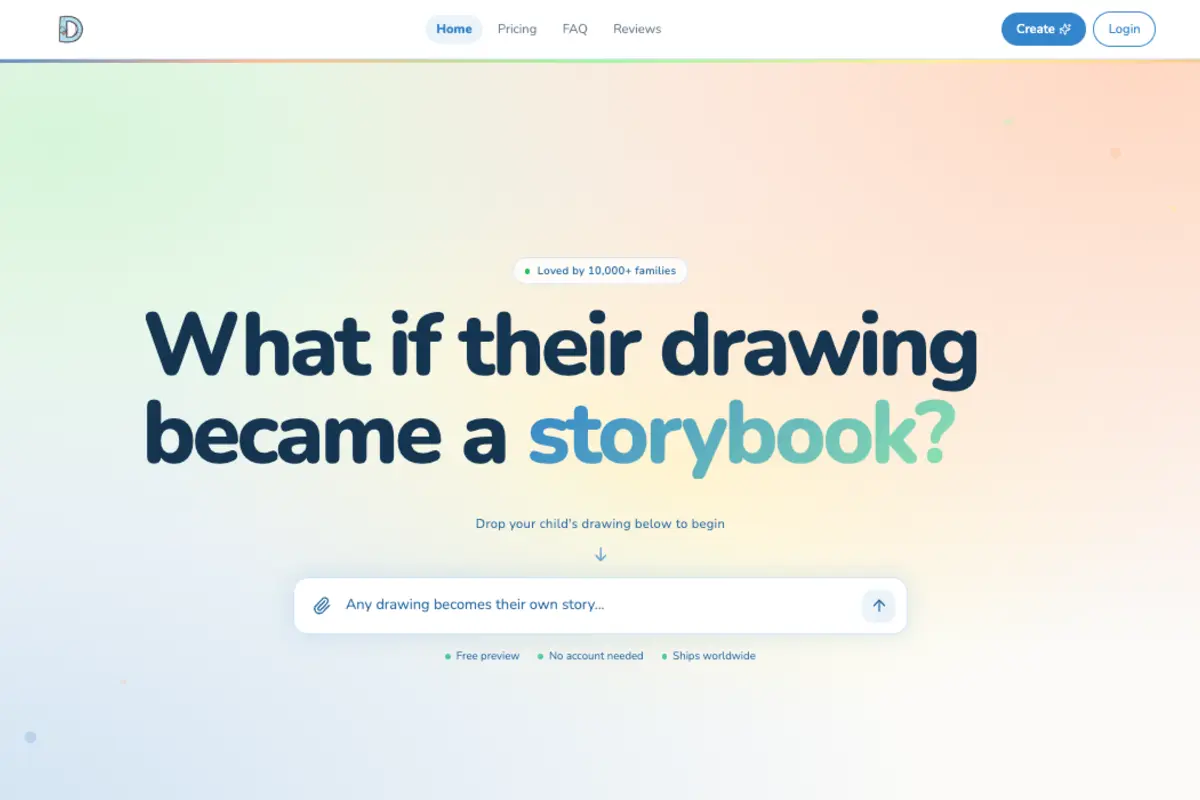
You end up with a 30-page illustrated storybook that looks like your child drew every page, because the source material did.
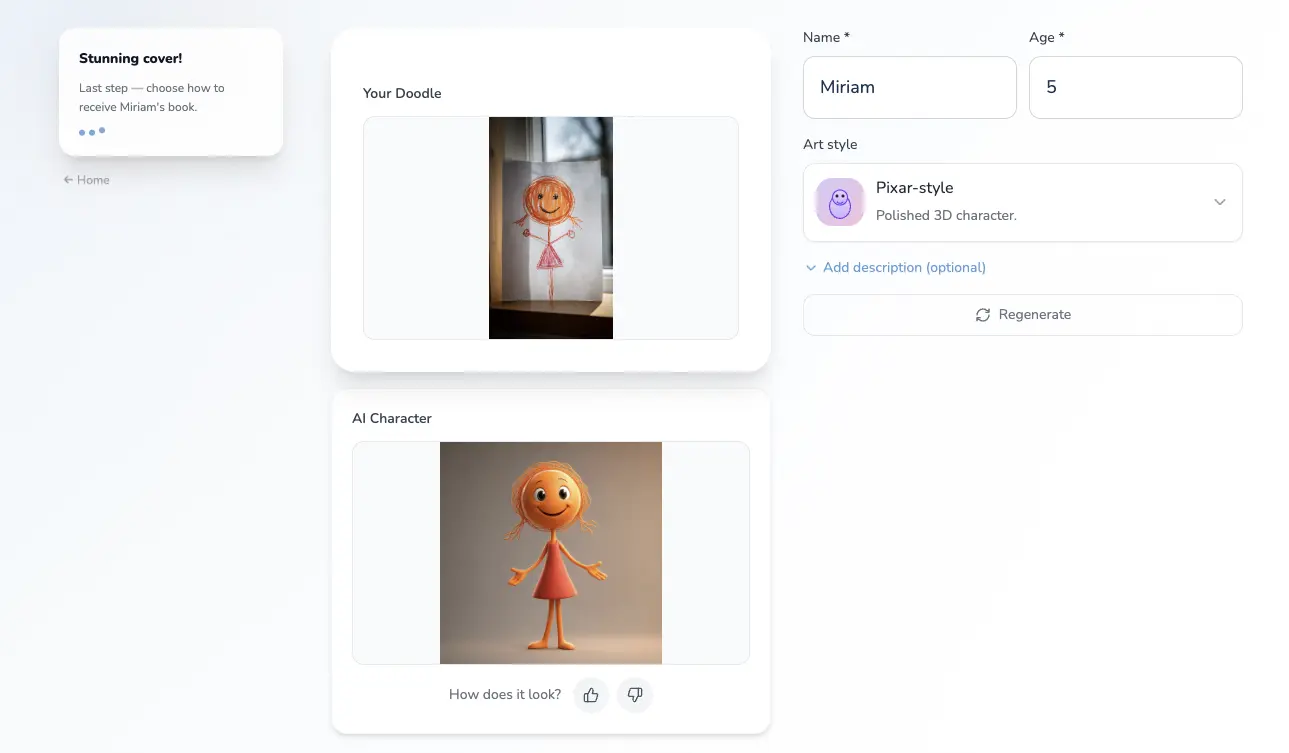
The process takes about five minutes from upload to digital preview. The FAQ covers how the character preview works. You see the character, read the full story, and see the cover before committing, so there are no surprises. The page illustrations are made after you order.
How to turn a single drawing into digital art
Sometimes you don't want a whole book yet, you just want a clean digital version of one drawing: to print it large, put it on a mug, or keep a crisp file before the paper fades. That's a smaller job, and you don't need illustration skills for it either.
Start by getting a good capture. Scan the drawing, or photograph it flat in even light with no shadows, at a high resolution (300 dpi or more if you're scanning). That flat, well-lit image is already usable for most printing.
To turn it into scalable "digital art" (a vector you can resize without it going blurry), you convert the image to an SVG. A few free-to-start ways to do it:
- Adobe Express has a free image-to-SVG converter that runs in the browser, no software to install.
- Adobe Capture turns a phone photo into vector shapes and hands off an SVG to Illustrator, Fresco, or Express.
- Inkscape, which is free and open-source, does the same with its "Trace Bitmap" tool if you'd rather stay off Adobe.
These give you a clean, resizable version of the drawing, which is perfect for a print or a single graphic. What they don't do is turn one drawing into a full illustrated story, matching pages, a character that appears throughout, a plot. That's the step where the AI approach above does the work that a vectorizer can't.
What you can't get from traditional digital illustration tools
When a parent uses Procreate to illustrate a book about their child's drawing, the result usually looks like the parent drew it, not the child. The adult's skill, even when they're trying to replicate a child's style, smooths out the things that make a child's drawing feel like theirs.
The wobbly lines straighten. The proportions get corrected. The specific imperfection that makes the dragon look like their dragon gets lost.
An AI trained on the source drawing doesn't try to improve it. It extends it. The imperfections are the style.
Printed or digital, or both
Once the book is generated, you can order a printed softcover ($29.99, which includes a digital PDF copy) or a digital-only version ($9.99). The printed book is the most popular option, and the included PDF is what most parents use to share with grandparents who live far away.
If you want to see how other parents have responded to getting one, the pattern is pretty consistent: kids ask for it at bedtime, grandparents say it's the best thing they've gotten from the grandkids, and the original drawing gets treated differently afterward.
The first time she saw it she said "they turned my dragon into a real story," which is exactly what happened.
Related: What to do with kids' drawings: the system that actually works · Kids art book keepsake: the one worth making · Best AI storybook for kids in 2026 (compared)
Try it yourself
Turn your child's drawing into a real storybook
Free preview. No account needed. Ships to US & Canada.
Start for free