The best free drawing apps for kids (and what "free" actually means)
The best free drawing apps for kids (and what "free" actually means)
The free drawing apps worth putting on a kid's tablet, sorted by age, plus the ad-supported ones to skip and the drawing websites that need no download at all.
For most kids aged 5 to 12, Adobe's Project Aqua is the best free option, with no ads and versions for iOS, Android and the web. Younger children do better with CBeebies Get Creative or Draw and Tell, and browser tools like Tate Draw need no download at all. Price isn't the thing to compare, though. What the app is selling to your child while they draw is.
Every roundup of free drawing apps lists the same twenty apps and calls them all free. That word is doing three different jobs, and the difference matters a lot more when the user is seven.
Three kinds of free
Some apps are free with nothing attached. No ads, no locked tools, nothing to buy, usually because a big company or a museum is funding it for reasons that have nothing to do with your child's pocket money. Prefer these.
Some are free with ads. The app costs nothing and pays for itself with video ads between actions. On your own phone that's a nuisance. On a child's tablet it's an unsupervised stream of whatever the ad network decides to show a device it assumes belongs to an adult.
And some are free to start. The download costs nothing and the good brushes don't. Those apps are fine, but expect a conversation about why the sparkle pen costs money, generally at the least convenient moment.
The apps worth having
| App | Platforms | What free means | Best for |
|---|---|---|---|
| Project Aqua (Adobe) | iOS, Android, web | Free, no ads or upsells | Ages 5 to 12, the all-rounder |
| CBeebies Get Creative | Mobile, web | Free | Ages 2 to 6 |
| Draw and Tell | iOS | Free | Youngest kids, drawing plus narration |
| Tate Draw | Browser | Free, no account | Any age, no download |
| AutoDraw (Google) | Browser | Free, no account | Quick doodling on any device |
| Sketchbook | iOS, Android | Free on mobile, ad-free | Ages 8+, paper-like drawing |
| Adobe Fresco | iPad, iPhone, Windows | Free tier, premium paid | Ages 10+, real painting tools |
| ibis Paint X | iOS, Android | Free with ads, paid ad removal | Older kids who want every brush |
| Krita | Windows, Mac, Linux | Free and open source | Desktop, older kids |
| Procreate | iPad | Not free, $12.99 one-time | When free stops being enough |
Pricing and platform details were cross-checked against Adobe's own kids' drawing app roundup on 24 August 2026. App store prices move, so check before promising anything to a child.
For ages two to six
Small children don't need layers. They need a big canvas, fat tools, and no way to accidentally destroy their work.
CBeebies Get Creative is free, made by the BBC, and built for this exact age with no commercial layer underneath. Draw and Tell adds something better than more brushes: the child draws, then records themselves telling the story of what they drew. That recording is often the more interesting artifact.
Kids Doodle is the other name that comes up constantly for this age. It does the job, but its free tier sits alongside a premium option billed weekly. Weekly billing on a children's app is worth noticing before you install it on a device with your card saved.
For ages seven to twelve
This is where free stops meaning simplified. Several serious tools cost nothing at all.
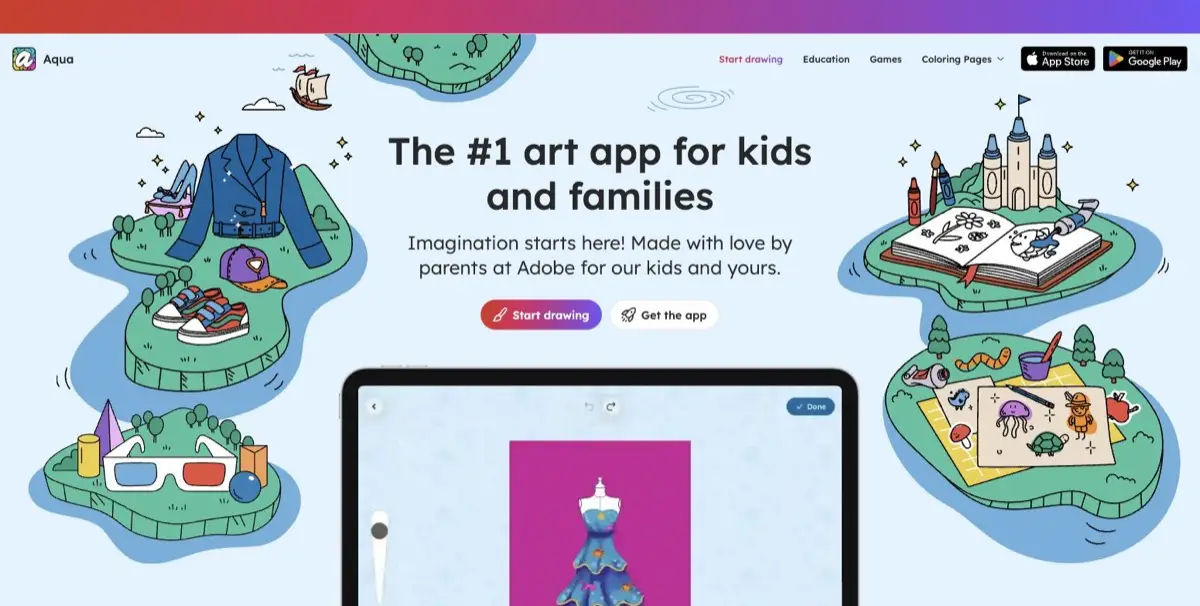
Project Aqua is Adobe's app aimed squarely at 5 to 12 year olds, free, with no ads or upsells, on iOS, Android and in a browser. It goes past being a canvas. It'll scan a paper drawing into the app and store finished work in a gallery, which quietly solves the problem of drawings living on one device.
Sketchbook's mobile app is free and deliberately spare, with an interface built to feel like paper and stay out of the way. Best pick for a child who wants to draw rather than explore menus. Adobe Fresco's free tier gives real painting brushes that behave like watercolor and oil, a genuine step up for a ten-year-old who has outgrown flat color.
ibis Paint X deserves a caveat more than a recommendation. The free version is extraordinarily capable, with a brush library that dwarfs everything else here, and it's ad-supported. For a supervised thirteen-year-old, fine. For a seven-year-old alone with a tablet, the ads are the product and the drawing app is the delivery mechanism.
The ones that need no download
Sometimes installing anything is the blocker: a school Chromebook, a locked-down tablet, a grandparent's laptop, ten minutes in a waiting room.
Tate Draw runs in a browser, comes from an art museum, and has nothing to sell anyone. AutoDraw is a Google experiment that guesses what you're sketching and offers a tidy version, which children find either delightful or infuriating. Both reactions are entertaining. Project Aqua has a web version too, so a child can start on a tablet and carry on in a browser.
Browser tools have one real drawback. Nothing gets saved unless you save it. Build the habit of exporting the image before the tab closes, because that lesson otherwise gets learned the hard way.
Ads matter more than price here
Every app on this page is free or nearly free, so price isn't the deciding variable. What differs enormously is what the app does to your child while they use it.
Test it yourself first. Open the app, draw for two minutes, and count the interruptions. Notice whether an ad appears full-screen with a tiny close button, whether tapping anything opens a store, and whether a subscription prompt fires on launch.
Then look at the billing. Weekly subscriptions are common in children's apps and are designed to be forgotten. A $4.99 weekly plan adds up to $259 a year. When an app's free tier is unusually generous and its paid tier bills weekly, that generosity has a job to do.
When free stops being enough
Occasionally a child outgrows free. Nice problem to have.
The two honest upgrades are Procreate on iPad, a one-time $12.99 purchase with no subscription, and Krita on a desktop or laptop, free and open source with a professional brush engine. Between them they cover both hardware situations, and neither will bill you again.
Wait until the child asks. Wanting a specific tool the current app doesn't have is the signal. Buying a professional app in advance to encourage a hobby mostly produces an unused app.
If your kid is asking for one specific app
Often the request isn't really about drawing. A child watched someone on YouTube draw with a particular app and wants the same one, which is a reasonable thing to want and a bad reason to spend $13.
Two things usually solve it. If the app they named is Procreate, ibis Paint X does most of the same jobs free, and the layers, brushes and time-lapse export that make those videos look impressive are all in it. If they named an app with a paywall, like Simply Draw, the objection is nearly always a locked tool rather than the app itself, and Sketchbook or Project Aqua hand over the whole toolset with nothing behind a wall.
The time-lapse recording is the feature worth pointing them at, incidentally. Most kids asking for a specific app want the video of the drawing appearing, not the drawing. ibis Paint X and Procreate both record one automatically.
Is drawing on a tablet still screen time?
This is the question sitting underneath most searches for kids' drawing apps, and the guidance has shifted in a way that helps.
The American Academy of Pediatrics now frames media use around quality rather than a strict minute count, asking families to weigh what the content is, what it displaces, and whether the child is creating or consuming (HealthyChildren.org). Drawing sits at the far creating end of that spectrum.
That's not a blank cheque. An hour drawing on a tablet is still an hour not spent drawing on paper, outside, or with someone else, and the displacement question is fair. But a child inventing a character on a screen and a child watching autoplay videos aren't doing the same thing, and it's reasonable to treat them differently.
What happens to the drawings afterwards
The gap in every one of these apps is identical. The drawing gets made, admired for a minute, and buried in a camera roll with four thousand other images.
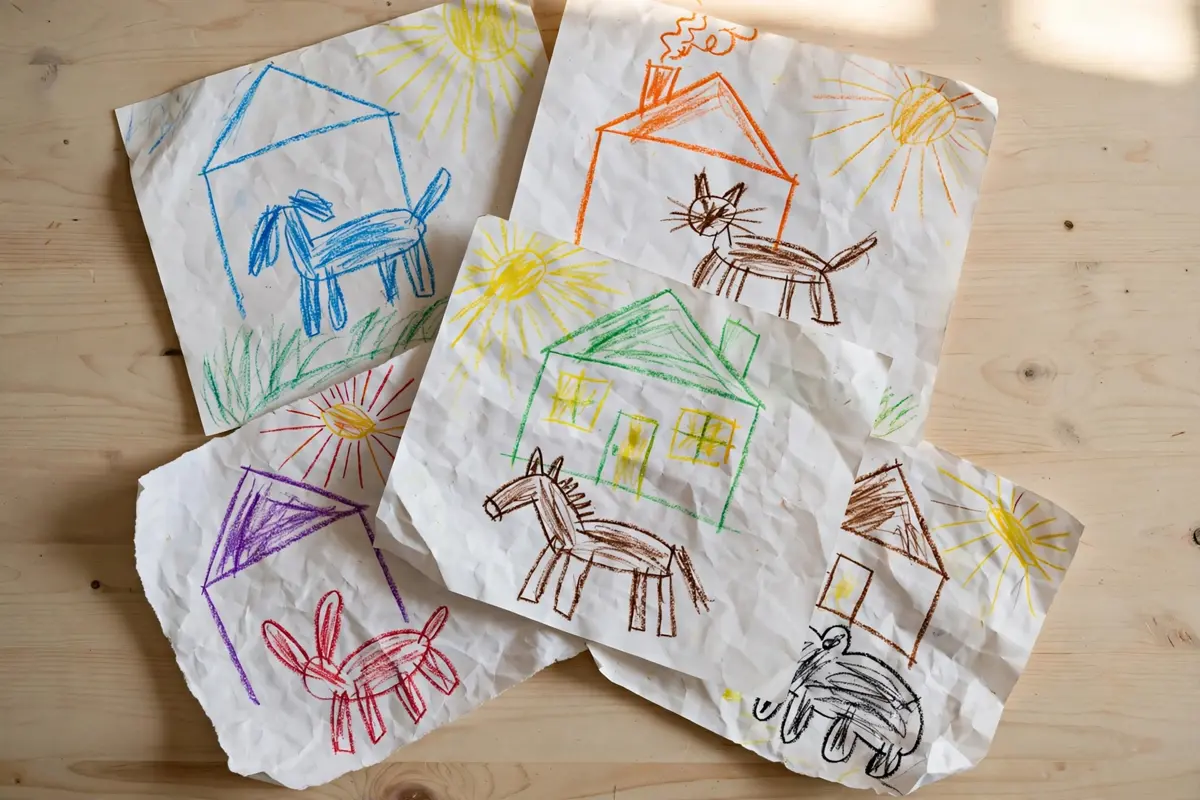
Paper drawings at least get taped to a fridge. Digital ones vanish into storage, and a year later nobody can find the good one. Pick one place they live, whether that's a shared album, a printed photo book, or a folder you back up on purpose.
For the drawing that turns out to matter, the one your child keeps redrawing for a month, there's a step past storing it. DoodleTale takes that character and builds an original 30-page illustrated story around it, printed as a real book for $29.99, and you see the character, read the full story, and see the cover free before deciding. A screenshot is a file. A book is what they hand to a grandparent. More ideas for a stack of drawings are in what to do with kids' drawings.
Frequently asked questions
For ages 5 to 12, Adobe's Project Aqua is the strongest free option, with no ads or upsells and versions for iOS, Android and the browser. Younger children do better with CBeebies Get Creative or Draw and Tell, which are simpler and calmer. For a kid getting serious about drawing, Sketchbook and Adobe Fresco give real tools for nothing.
Yes, and they're worth hunting for. Project Aqua states no ads or upsells, Sketchbook's mobile app is ad-free, and museum tools like Tate Draw have nothing to sell. Most other free kids' drawing apps run on ads or push a weekly subscription, so check before you hand over the tablet.
Several. Tate Draw runs in a browser with no account, Google's AutoDraw works on anything with a browser, and Project Aqua has a web version alongside its apps. Browser tools are the easy answer on a school Chromebook or any device where you can't install things.
The American Academy of Pediatrics now weighs the quality of screen use over raw minutes, and notes that media lets young people act as creators rather than only consumers. Drawing sits about as far from passive watching as a screen gets. It still crowds out other activities, and the AAP asks families to weigh that too.
Simply Draw is free to download with in-app purchases, which is usually what prompts the question. If the paywall is the problem, Project Aqua and Sketchbook give a full drawing toolset with nothing locked, and Tate Draw and AutoDraw run free in a browser with no purchase path at all.
The best drawing app is whichever one your kid opens without being asked. Everything else here is a detail.
Related: Things for kids to draw when they're bored · How to encourage kids to draw more · What to do with kids' drawings · Kids' drawing development stages
Try it yourself
Turn your child's drawing into a real storybook
Free preview. No account needed. Ships to US & Canada.
Start for free