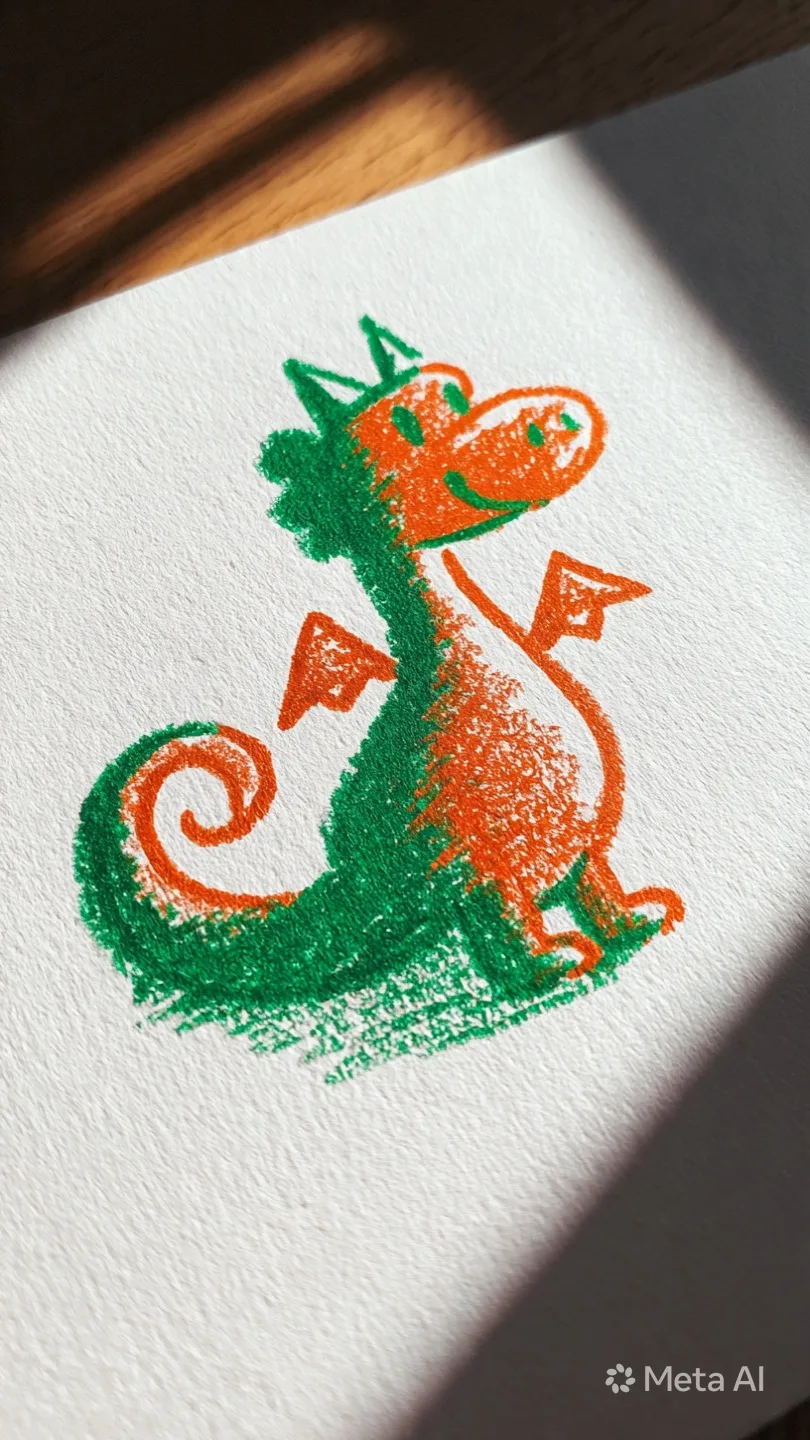
Is there an AI that can illustrate a children's book?
Is there an AI that can illustrate a children's book?
Yes. Here's what AI can and can't do when illustrating a kids' book, the character-consistency problem, and the one tool that starts from your child's own drawing.
Yes. Several AI tools can illustrate a children's book, and they split into three kinds: general image generators like Midjourney, purpose-built book makers like Childbook.ai, and drawing-based tools like DoodleTale that start from a child's own artwork. The thing that separates a good result from a frustrating one is character consistency, keeping the same character looking like itself on every page.
The question comes up two ways. Sometimes it's an author with a finished manuscript who needs pictures and can't afford an illustrator. Sometimes it's a parent looking at a drawing their kid made and wondering if it could become a real book. The answer is yes in both cases, but the right tool is different depending on which one you are.
The short answer, and the three kinds of tools
AI can absolutely illustrate a children's book now. The tools fall into three groups.
General image generators like Midjourney and the image feature in ChatGPT can make a single beautiful illustration from a written description. They're powerful and flexible, and they're also the hardest to use for a full book, for reasons that come down to consistency.
Purpose-built children's book makers like Childbook.ai and ReadKidz are designed for the whole job: they generate the story, lock in a character, and lay out the pages, so the same character carries through the book. This is the category most aspiring authors land on.
Drawing-based tools are a smaller group. Instead of inventing a character from a text prompt, they start from a drawing your child already made and build the illustrations from that. DoodleTale is the main one here, and it's aimed at parents rather than authors.
The real catch: keeping the character the same on every page
If you only take one thing from this, take this. The single biggest problem with AI book illustration is character consistency. Ask a general image generator for "a small purple dragon" twenty times and you'll get twenty slightly different dragons, different snout, different shade of purple, different number of spikes. For a single image that's fine. For a 30-page book where the dragon is the hero, it's a dealbreaker.
This is exactly why the dedicated children's book tools exist. They generate the character once, save that design, and reuse it across every page. If you go the Midjourney route, you'll spend real effort on consistency tricks, and the results are still hit or miss. If you use a purpose-built tool, consistency is handled for you. Knowing this one fact saves most people a weekend of frustration.
If you're an author illustrating a manuscript
You have a story written, and you need it illustrated. Start with a tool built for books rather than a raw image generator. Childbook.ai and ReadKidz both take a story or a prompt and produce a consistent, illustrated book you can export. Expect to pick a visual style, generate a character, and then refine. The illustrations are good enough for a self-published book, and the workflow is built around the consistency problem rather than fighting it.
What AI still doesn't do well: nuanced storytelling, visual jokes that pay off across pages, and the kind of art direction a human illustrator brings. For a first self-published title or a personal project, the gap is small. For a book you want reviewed alongside professionally illustrated titles, it shows.
If you're a parent who wants your child's drawing in a book
This is a different goal, and most AI illustration tools don't serve it. You're not trying to invent a character from a description. You already have one, sitting on the fridge.
DoodleTale is built for this. You photograph a drawing your child made, even a messy scribble, and the AI reads that drawing, builds a character from it, and writes an original story around that specific artwork. The illustration isn't generated from a stranger's idea of a dragon. It's generated from your child's dragon. The finished book is a premium 8x8 inch softcover, 30 full-color pages, with free shipping across the US and Canada, or a $9.99 digital version if you want it right away.
The whole build is free to preview. You see the illustrated character before you commit — no credit card needed to start — and the story is generated before you pick a package, so you can see the book before spending anything. You only pay when you decide to download or order a print. That covers the same things authors usually go to a dedicated tool for, story and character control with a free way to experiment, with the difference that it starts from a real drawing.
Is it OK to use AI to illustrate a children's book?
This question is worth taking seriously, because a lot of illustrators feel strongly about it. The main objection is that AI image models were trained on huge amounts of art scraped from the internet without the artists' permission, so AI illustration can feel like it's built on uncredited work. That's a fair concern for from-scratch AI art, and it's why some authors choose to hire a human or learn to illustrate themselves. If safety and data practices matter to you, it's worth reading up on how to use AI for kids' books responsibly before you start.
The picture changes when the illustration starts from your own child's drawing. The source isn't a scraped style, it's a specific piece of art your kid made, and the AI is transforming that one drawing rather than inventing from a borrowed aesthetic. That doesn't resolve every concern about AI in general, but it's a meaningfully different situation from typing "in the style of a famous illustrator" into a prompt box.
How to choose
| Your situation | Best fit |
|---|---|
| Author with a manuscript | Childbook.ai or ReadKidz; DoodleTale too if you start from a drawing |
| You want to control the story, character, and style | DoodleTale (preview book free, adjust character before paying), or Midjourney for raw image control |
| You want a free way to experiment | DoodleTale, ReadKidz, or Gemini Storybook; DoodleTale lets you preview the book before paying |
| You have a drawing your child made | DoodleTale |
| You want a printed keepsake, not a file | DoodleTale |
If you came here as a parent rather than an author, the honest takeaway is that the question you're really asking isn't "can AI illustrate a book," it's "can AI turn my child's drawing into one." It can, and you can see what that costs before you decide.
If the budget is zero, it's worth knowing exactly where free stops before you start: AI children's book generators and what's actually free.
Frequently asked questions
The best illustration of a children's book isn't always the most polished one. Sometimes it's the one that still looks like your kid drew it.
More on this: How to illustrate a children's book digitally · Which app turns your kid's drawing into a story? · AI personalized children's books: how they actually work · Is it safe to use AI for kids' books?
Try it yourself
Turn your child's drawing into a real storybook
Free preview. No account needed. Ships to US & Canada.
Start for free